
Use case
Make sales targets visible even when the CRM tab is closed
Halmify CRM connects revenue workflow with Halmify IoT e-paper displays so managers and teams can keep target progress, order amount, payment amount, weather, and device status always visible.
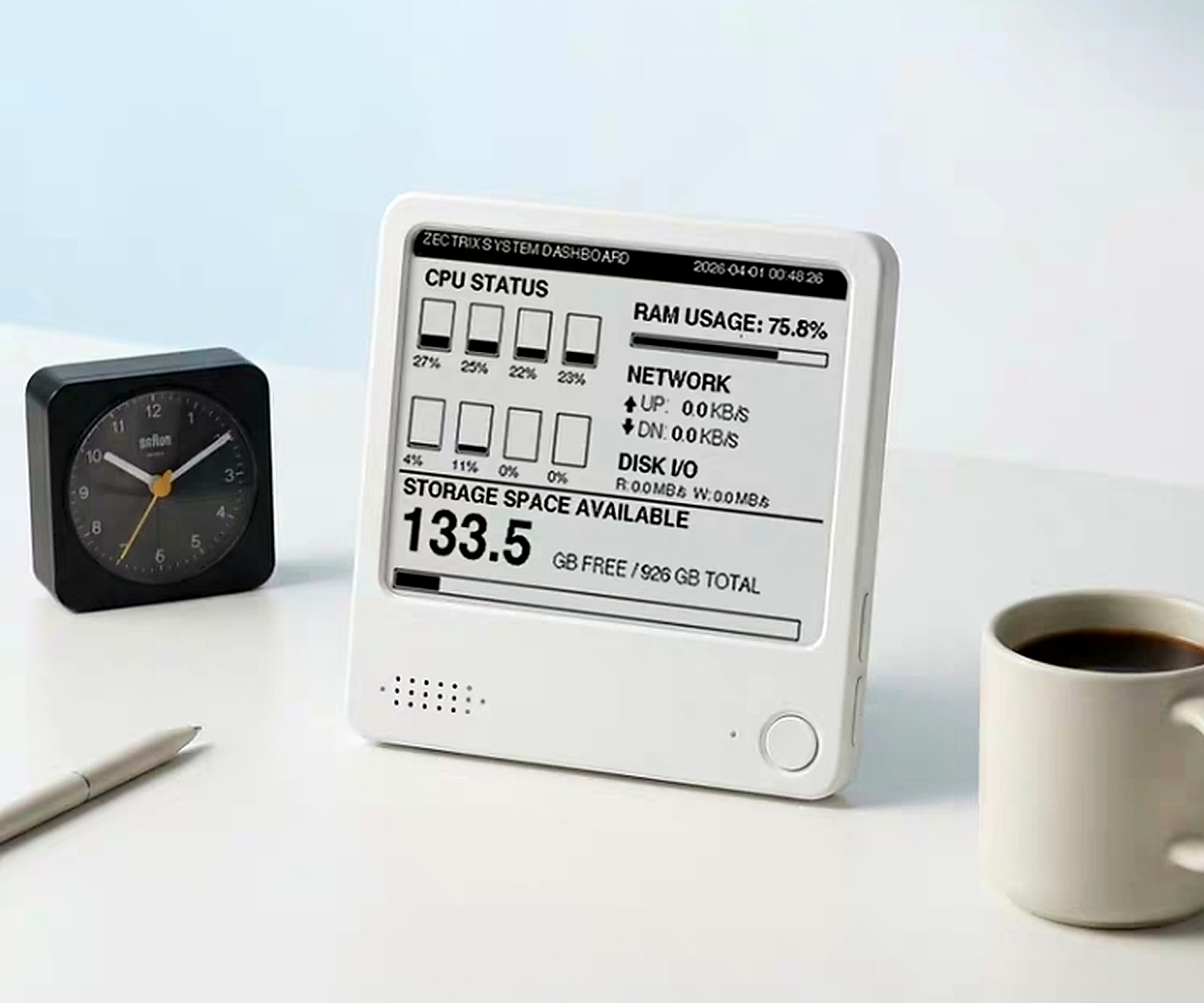
Targets remain visible without opening CRM.
A quiet display keeps numbers readable.
Teams align around the same progress signal.
Scenario
When the sales target should stay visible all day
Always-on target visibility helps teams keep CRM progress readable outside the browser through connected e-paper display hardware.
Show annual target, current completion, and completion rate on a low-power desktop display.
Keep the numbers that matter visible without opening another dashboard.
Use CRM data on a quiet e-paper device that stays readable on the desk.
Orders, payments, and target progress change in the CRM workflow.
The IoT display receives refreshed sales data from Halmify.
Managers see progress without opening a laptop or dashboard.
Daily conversations can focus on the same target and completion view.
Proof panel
Target progress stays visible outside the CRM tab
The page scenario is useful because the operational proof stays attached to customer records, owner action, and downstream outcomes.
A visible target display keeps the team aware of progress during daily work.
Key numbers are available without logging into a reporting page repeatedly.
Targets, order amounts, and payment metrics come from the operating workflow.
E-paper makes the display suitable for persistent desk or counter visibility.
FAQ
Questions teams ask before choosing this CRM workflow
What is a CRM with IoT sales display?
It connects CRM revenue data with a physical always-on display, such as an e-paper device showing target progress and sales metrics.
What does the Halmify IoT sales display show?
The 4-inch display can show annual target, completed revenue, completion rate, order amount, payment amount, weather, and device status.
Who is this useful for?
Managers, founders, sales leaders, and frontline teams that want key revenue progress visible without opening a reporting dashboard.
See how Halmify CRM connects this workflow with your revenue team
Book a demo to review customer records, pipeline, orders, service workflows, AI insights, permissions, and AI cost tracking in one CRM.